Filamora Studios › Storage & organising
Laser-Cut Box Maker
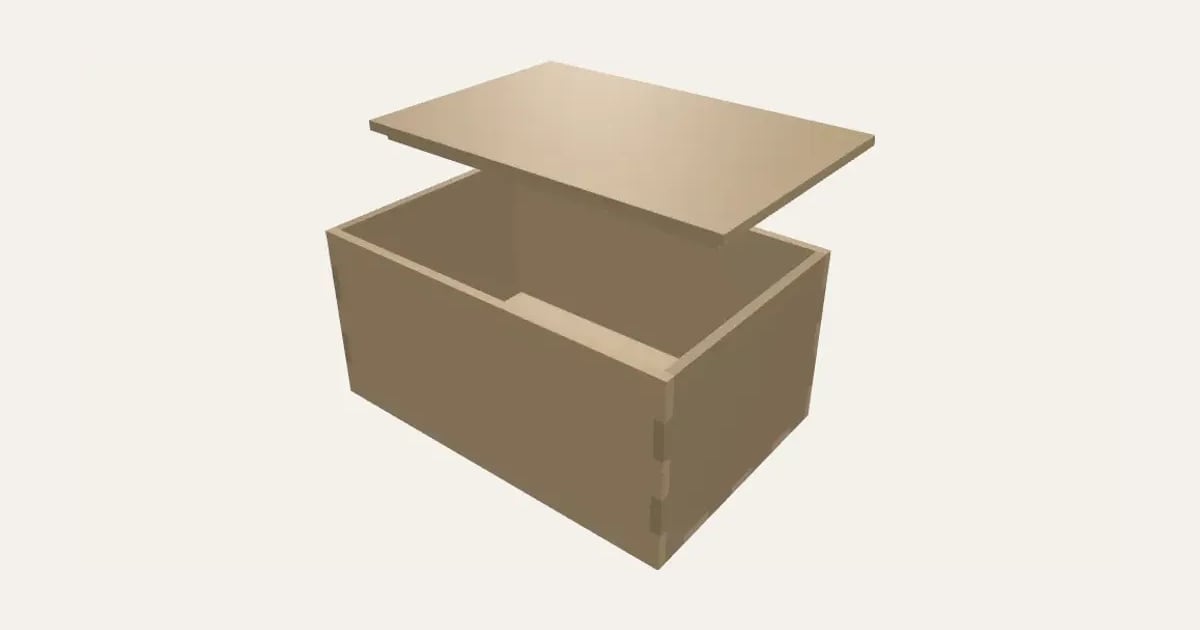
A finger-jointed box to laser cut from plywood, MDF or acrylic, from its size and your sheet’s thickness: open, closed or with a lift-off lid, slot-together dividers and an engraved name. Kerf compensation, whole corners, panels laid out on your sheet size, as an SVG for LightBurn, xTool or Glowforge. Not yet tested on a laser.
Customise it in your browser, then download a print-ready PDF to print at home. No design skills needed.
About the Laser-Cut Box Maker
A finger-jointed box to cut on a laser from plywood, MDF or acrylic, made from its size and your sheet’s thickness, with no CAD. Choose an open tray, a closed box or a lift-off lid, add dividers that slot together inside, and engrave a name on the lid. The fingers are sized so every corner is whole, the cut lines allow for your laser’s kerf so the joints are snug, and the panels are laid out on your sheet size as an SVG for LightBurn, xTool Creative Space, Glowforge and other laser software. Please note: we don’t have a laser cutter yet, so this hasn’t been tried on a real machine.
What you can change
- Type your own words engraved.
- Sizes are the box’s: outside and inside.
- Top: open, lift-off lid and closed.
- Font: 29 to choose from, from script to stencil.
- Sheet size: 300 × 300 mm, 400 × 300 mm, 20 × 12 in, 600 × 400 mm and my own size.
- Pick the material colour.
- Adjust width, depth, height and dividers across, and more.
What you download
.
Printing it
Untested: we don’t have a laser cutter yet, so this hasn’t been cut and tried on a real machine. The geometry is checked, but please cut a small test box first, and tell us how it goes. Measure your sheet with calipers (3 mm plywood is often 2.8 to 3.2), and find your kerf by cutting a 20 mm square and measuring how much smaller it came out. In the SVG, red hairlines are to cut, black fills to engrave; set those in your laser software.
Ideas for using it
- A keepsake or gift box with a name on the lid.
- A desk tray with dividers for pens and bits.
- A tea box with sections.
- Storage boxes sized exactly to a shelf or drawer.
Questions
Has this been tested?
Not on a laser yet: we don’t have one. The panels are checked on screen (they meet exactly, with no gaps or overlaps), but please cut a small test box first, and tell us how it fits.
What is kerf, and what do I set?
The width of material your laser burns away along a cut, often 0.1 to 0.2 mm. Cut a 20 mm square, measure it, and the shortfall is your kerf. The cut lines are moved out by half of it, so the pieces come out the size they should and the joints are snug.
My plywood isn’t exactly 3 mm
It rarely is. Measure it with calipers in a few places and enter that: the fingers are cut to match.
Which lines cut and which engrave?
In the SVG, red hairlines are cut lines and black filled shapes are engraving. Set those two in your laser software (cut on red, fill-engrave on black).
Inside or outside size?
Outside is the box’s overall size; inside is the space in it (the panels are added round it). Use inside when it has to hold something exactly.
Can I sell what I make?
On Pro and Ultimate you can sell the prints you make, for example on Etsy or at craft fairs, for as long as your membership is active: if it ends, stop selling them. On Free and Maker, print it for yourself or give it as a gift. The PDF itself is never for sharing or selling.
More Storage & organising
- Parametric Box
- Filament Swatches
- SKÅDIS Accessories
- Battery Organiser
- Game & Memory Card Holder
- Card Deck Box
- Toploader & Sleeve Desk Caddy
- Toploader & Sleeve Vertical Desk Caddy
- TCG Sorting Box Dividers
- Card Sorting Tray
- Stackable Modular Card Storage System
- Scrying Stand – Card Scanning Tower
- Spool Hub Adapter
- Drawer Organiser
- Smart Drawer Organiser
- Jewellery Box with Sliding Lid