Filamora Studios › Personalised
Lithophane
Turn a photo into a lithophane: a thin panel that shows the picture when lit from behind. Framed, with a stand; prints standing up for the finest detail.
Customise it in your browser, then download a print-ready STL, or a multi-colour 3MF. No CAD skills needed.
About the Lithophane
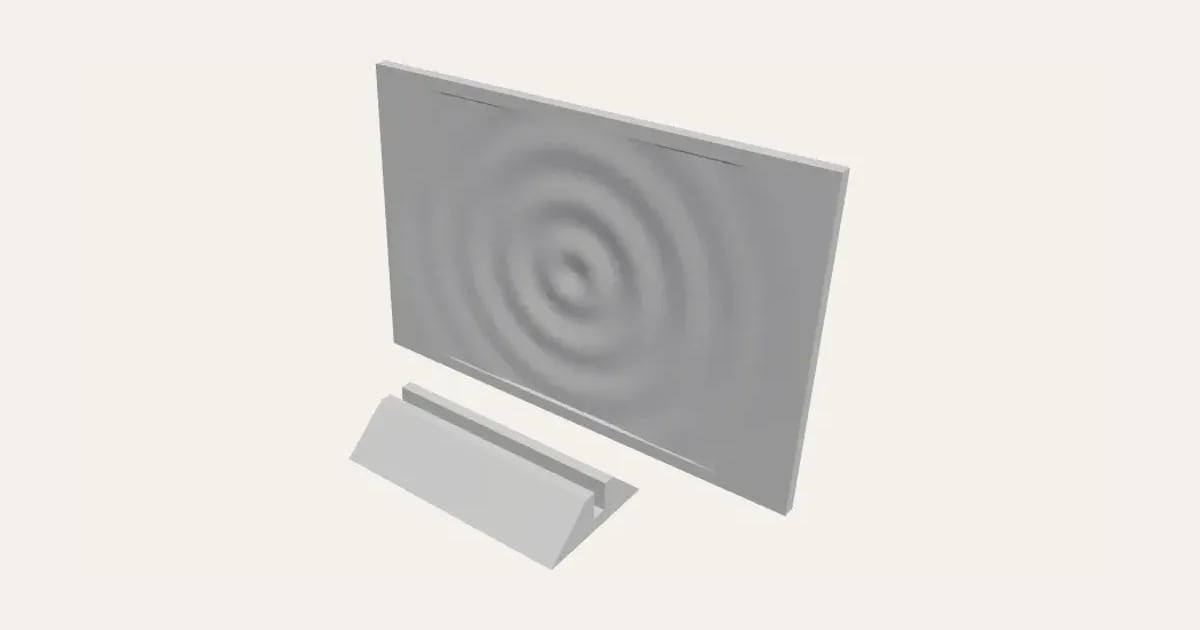
Turn a photo into a lithophane: a thin panel that looks like a plain carving until it’s lit from behind, and then the picture appears. Upload a photo, set the size and how thin and thick it goes, and print it standing up for the finest detail, framed and with a stand.
What you can change
- Add your own photo.
- Detail: draft, normal and fine.
- Print: standing up and lying flat.
- Pick its colour.
- Adjust width, thinnest, thickest and contrast, and more.
- Turn on or off: negative and stand to display it.
Size
About 10 × 0.3 × 6.7 cm (width × depth × height), one piece at the starting settings.
What you download
An STL or 3MF for any slicer.
Printing it
About 29 g of PLA and about 1 hour 50 minutes to print, one piece at the starting settings (100% infill, 2 walls, 0.2 mm layers, on a Bambu Lab A1). Your slicer gives the exact figures for your printer and settings.
Questions
What is a lithophane?
A picture made of thickness: thin where the photo is light and thick where it’s dark, so light shining through shows the photo in shades of grey.
How should I print it?
Standing up for the finest detail, in white filament, solid (100% infill or enough walls to fill it). Light it from behind with a window, a lamp or an LED strip.
What photos work best?
Clear, well-lit photos with the subject large in the frame. Crop it close before you upload it; very dark or busy photos come out muddier.
What size is it?
About 10 × 0.3 × 6.7 cm (width × depth × height), one piece at the starting settings. Every size is a setting, so make it as big or small as you need.
Which printers and slicers does it work with?
Any FDM printer. The STL opens in every slicer; the 3MF keeps the colours as separate parts in Bambu Studio, Orca Slicer, PrusaSlicer and Cura. Pick your printer in the designer to check it fits the plate.
Can I sell what I make?
On Pro and Ultimate you can sell the prints you make, for example on Etsy or at craft fairs. On Free and Maker, print it for yourself or give it as a gift. The STL and 3MF files themselves are never for sharing or selling.
More Personalised
- Name Plate
- Name Keyring
- Stepped Name Keyring
- Street Sign
- Number Plate Keyring
- Name Desk Tidy
- Initial & Name
- Door Sign
- Christmas Ornaments
- Gift Tags
- Pet Tags
- Cake Topper
- Place Cards
- Halloween Decorations
- Table Numbers
- Name Puzzle
- Bookmarks
- Name Fridge Magnets
- Trinket Dish
- Personalise Your Model
- Name Lantern
- Name Train
- Name Bunting
- Name Pencil Toppers
- Word Cloud
- Map Plaque
- Luggage Tag
- Pet Memorial Plaque
- Tooth Fairy Box
- Lithophane Lamp