Filamora Studios › Paper printables
Picture Bookmarks
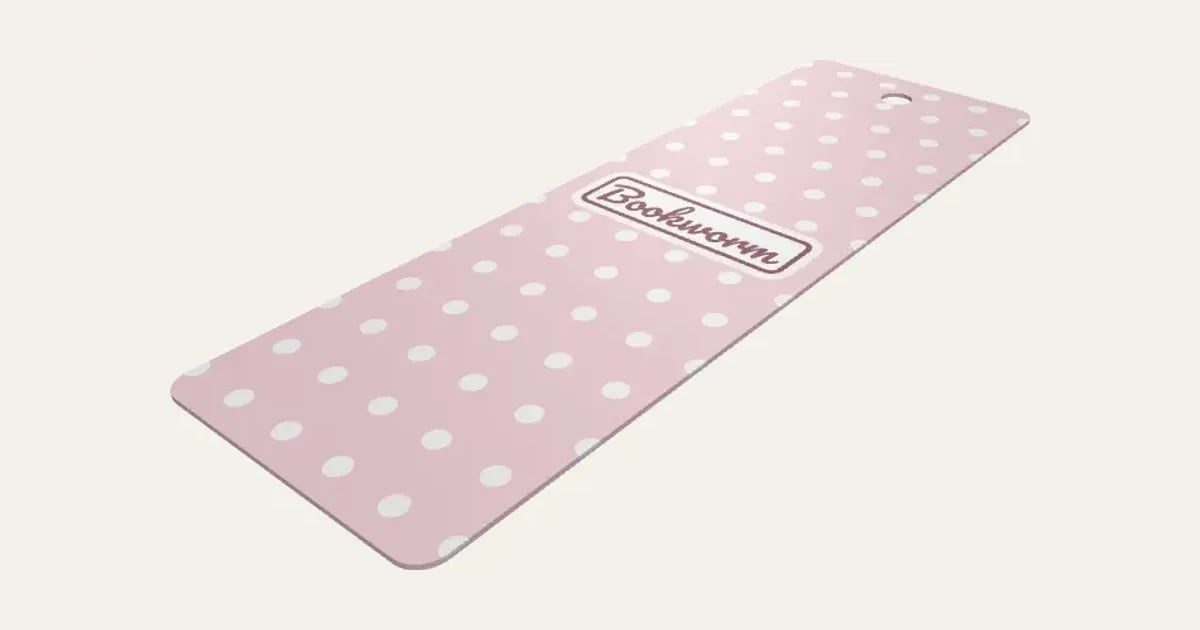
Bookmarks with a pattern, a word cloud of bookish words or your own photo, a name or a quote, and a tassel hole: several to a page to print and cut, or 3D printed flat with the picture inlaid.
Customise it in your browser, then download a print-ready STL, or a multi-colour 3MF. No CAD skills needed.
About the Picture Bookmarks
Picture bookmarks with a pattern, a word cloud of bookish words or your own photo, a name or a quote, and a tassel hole. Several to a page to print and cut out, or 3D printed flat with the picture inlaid.
What you can change
- Type your own text.
- Size: classic, slim, wide, long and another size.
- Picture: A pattern, words filling it, your photo and plain.
- Pattern: polka dots, hearts, stars and moons and stars, and 8 more.
- Text font: 26 to choose from, from script to stencil.
- Where the text goes: middle, top and bottom.
- Label behind the text: rounded box, pill, oval and none.
- Paper: A4, A3, A5 and US Letter.
- All 5 colours are yours to pick.
- Adjust adjust all round, pattern size and text size.
- Turn on or off: tassel hole, A line round the label and crop marks at the corners.
Size
About 5 × 15 × 0.1 cm (width × depth × height), one piece at the starting settings.
What you download
An STL for any slicer, and a 3MF with each colour as its own part, ready for an AMS or a filament change; or a PDF to print on paper or card and cut out.
Printing it
About 7 g of PLA and about 30 minutes to print, one piece at the starting settings (15% infill, 2 walls, 0.2 mm layers, on a Bambu Lab A1). Your slicer gives the exact figures for your printer and settings.
On paper: print the PDF (or the image) at 100% (actual size) on 200–250 gsm card or heavy photo paper, cut the straight edges between the crop marks, then round the corners along the fine grey line and punch the tassel hole. Laminate them to make them last. On a 3D printer: it prints face down, mirrored, so the smooth side off the plate is the front, with a filament change for each colour in the first few layers (a smooth PEI or glass plate gives the best face).
Ideas for using it
- Bookmarks with a photo of a pet or a grandchild.
- A set for a book club, each with a member’s name.
- A gift tucked into a book.
- Class bookmarks for a reading challenge.
Read: 3D printed bookmarks for book lovers
Questions
What size is it?
About 5 × 15 × 0.1 cm (width × depth × height), one piece at the starting settings. Every size is a setting, so make it as big or small as you need.
Do I need a multi-colour printer?
No. Print it in one colour, or in colours with a filament change: the Colours line under the 3D view says at which height to change. With an AMS or another multi-colour printer, the 3MF prints it in one go.
Which printers and slicers does it work with?
Any FDM printer. The STL opens in every slicer; the 3MF keeps the colours as separate parts in Bambu Studio, Orca Slicer, PrusaSlicer and Cura. Pick your printer in the designer to check it fits the plate.
Can I sell what I make?
On Pro and Ultimate you can sell the prints you make, for example on Etsy or at craft fairs. On Free and Maker, print it for yourself or give it as a gift. The STL and 3MF files themselves are never for sharing or selling.
More Paper printables
- Kindle Insert
- Phone Case Insert
- Tablet Case Insert
- Definition Print
- Family Tree Print
- Letter Tile Family Print
- Gift Ticket
- Scratch to Reveal Card
- Calendar Print
- Coordinates Print
- Subway Word Art
- Star Map
- Map Print
- Street Card Print
- Family Print
- Text Poster
- Birth Stats Poster
- Labels & Tags
- Reading Tracker
- Reward Chart
- Name Colouring & Tracing
- Word Search
- Birth Announcement Print
- Letter from Santa
- Moon Phase Print
- Race Route Print
- Family Recipe Print
- Pet House Rules Print
- Our Story Timeline
- Song Lyric Record Print
- New Home Print